Work / Motion graphics
Aurora Ribbons
Glowing ribbons that ripple to a beat, from FxULTRA, our Mac shader visualizer. This piece is procedural graphics, not generative AI.
- Format
- Motion graphics loop, 16:9, silent
- Status
- Demo. The Final Cut Pro generator is still being tested.
- Made with
- FxULTRA (UltraSoft), Apple Motion
How it was made
- Design the look local
A Metal shader with controls for speed, detail, color, glow, scale and rotation, previewed live in FxULTRA. - Animate local
Settings are keyframed on a timeline and saved as a preset. - Render in Motion local
The look runs as a Motion generator and is exported as video. A person picks the take.
About FxULTRA
FxULTRA is UltraSoft’s native Mac app for designing real-time visuals. It renders Metal shaders live, so a look can be tuned while it plays instead of waiting for a render.
- Looks
- Six shader looks, each with its own controls plus speed, detail, color, glow, scale and rotation
- Sound
- Bass, mids and highs from any audio file can drive expansion, distortion, brightness, color or rotation
- Animation
- Keyframes on a timeline, saved with the preset
- Export
- PNG stills, ProRes 422 or ProRes 4444 with alpha up to 4K, editable Metal shader, Motion plug-in
- Runs on
- Apple Silicon Macs, macOS 14 or later. Version 0.5, tester build
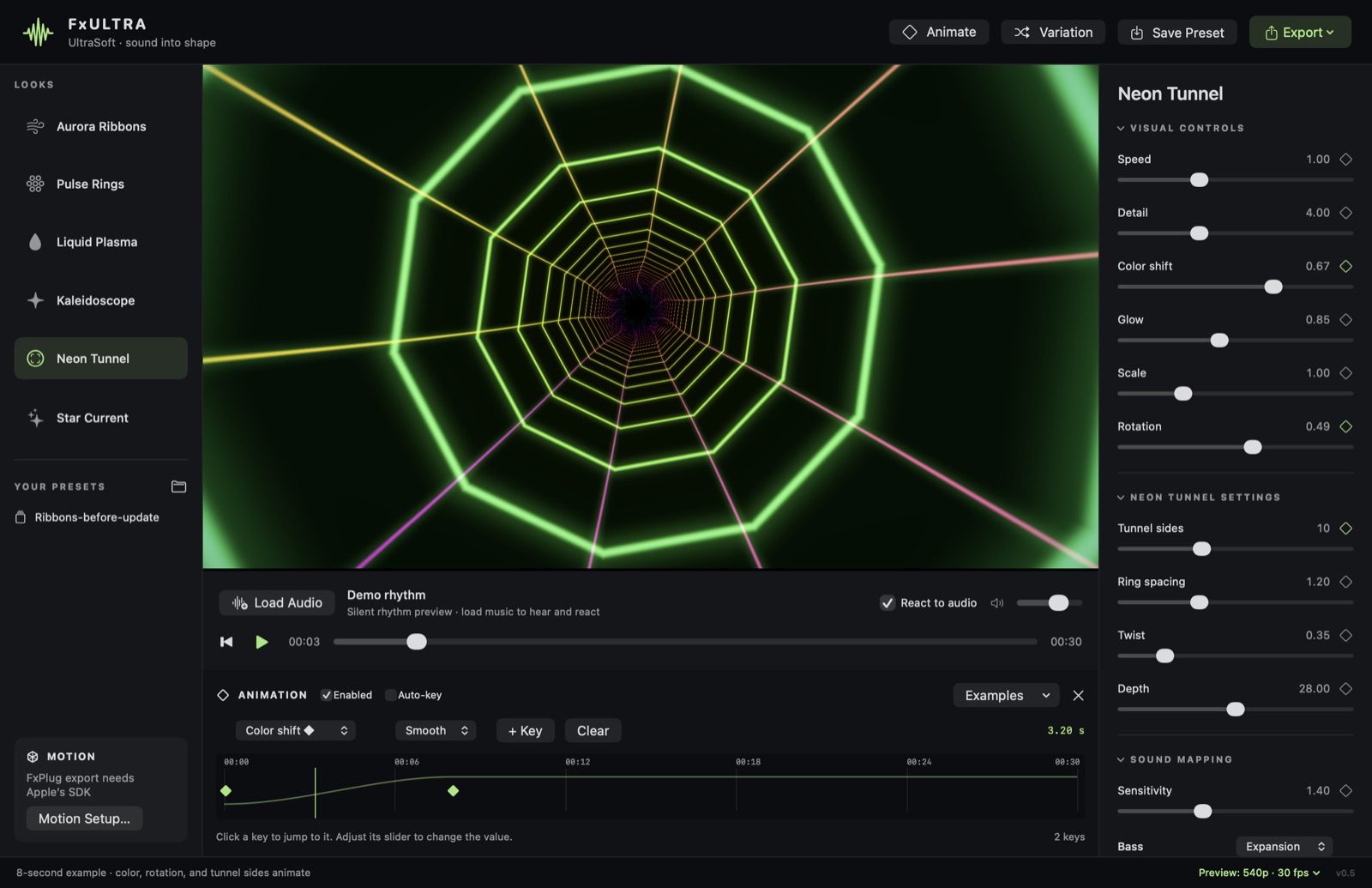
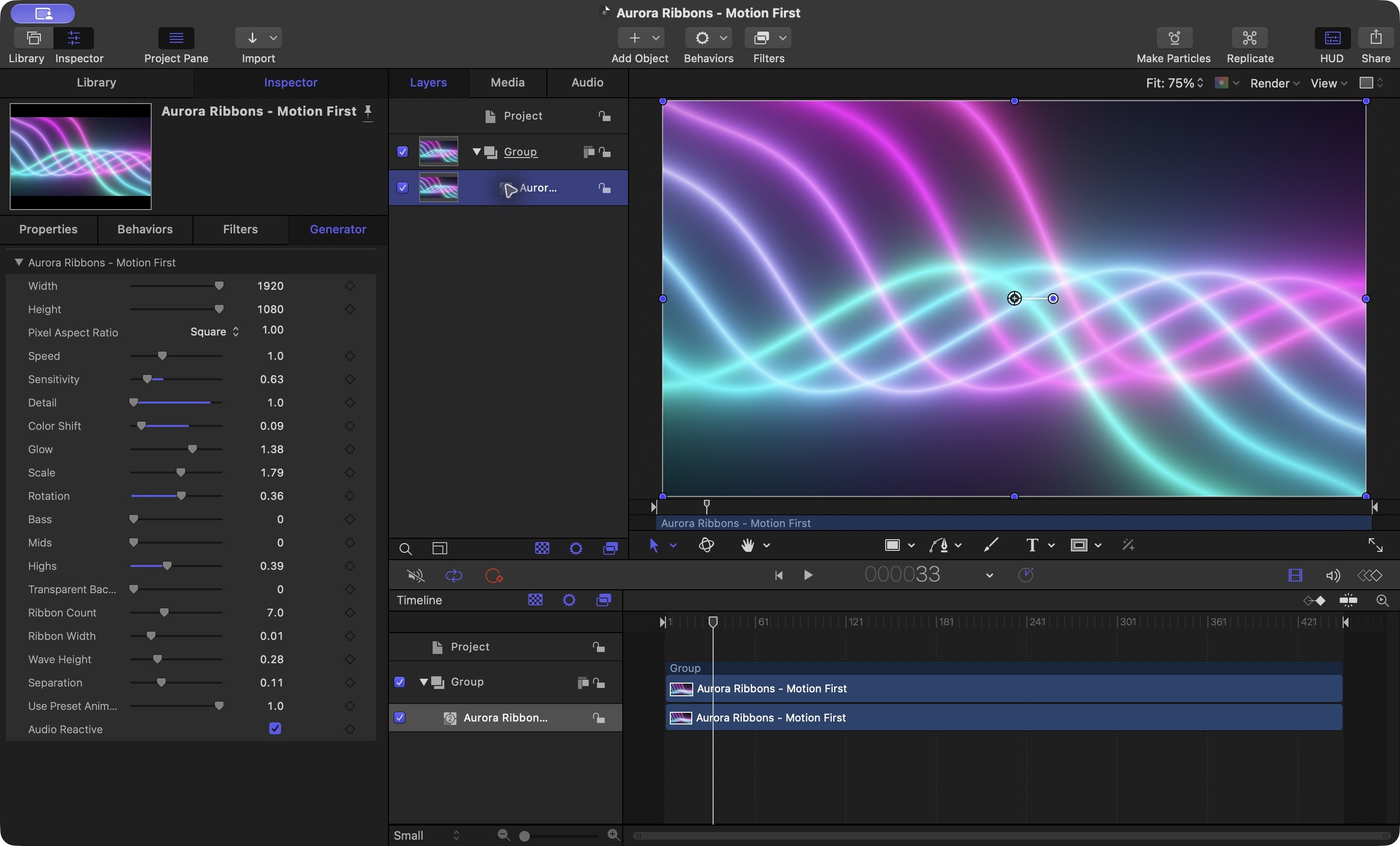
App screenshots: the FxULTRA preview and timeline, and Aurora Ribbons running as a generator inside Apple Motion.
Case study: FxPlug in Motion on the Mac Coming soon
How a look designed in FxULTRA becomes a native Apple Motion generator through Apple’s FxPlug 4 SDK, and from there a template for Final Cut Pro.
What it will cover:
- Designing and animating the look live in FxULTRA
- Exporting the Motion plug-in kit and building it against FxPlug 4
- Using it in Motion: generator controls and audio-driven behaviors
- Publishing a Motion template to Final Cut Pro
- What worked, what didn’t, and render results

